Skip to main content



GD&T

CAD Comparison

Probing

3D Scanning

Photogrammetry
Introduction
Inspect parts against your engineering requirements
Part of the Creaform Metrology Suite, Inspection provides tools for checking manufactured components against design requirements, analysing dimensional deviations and reporting results.
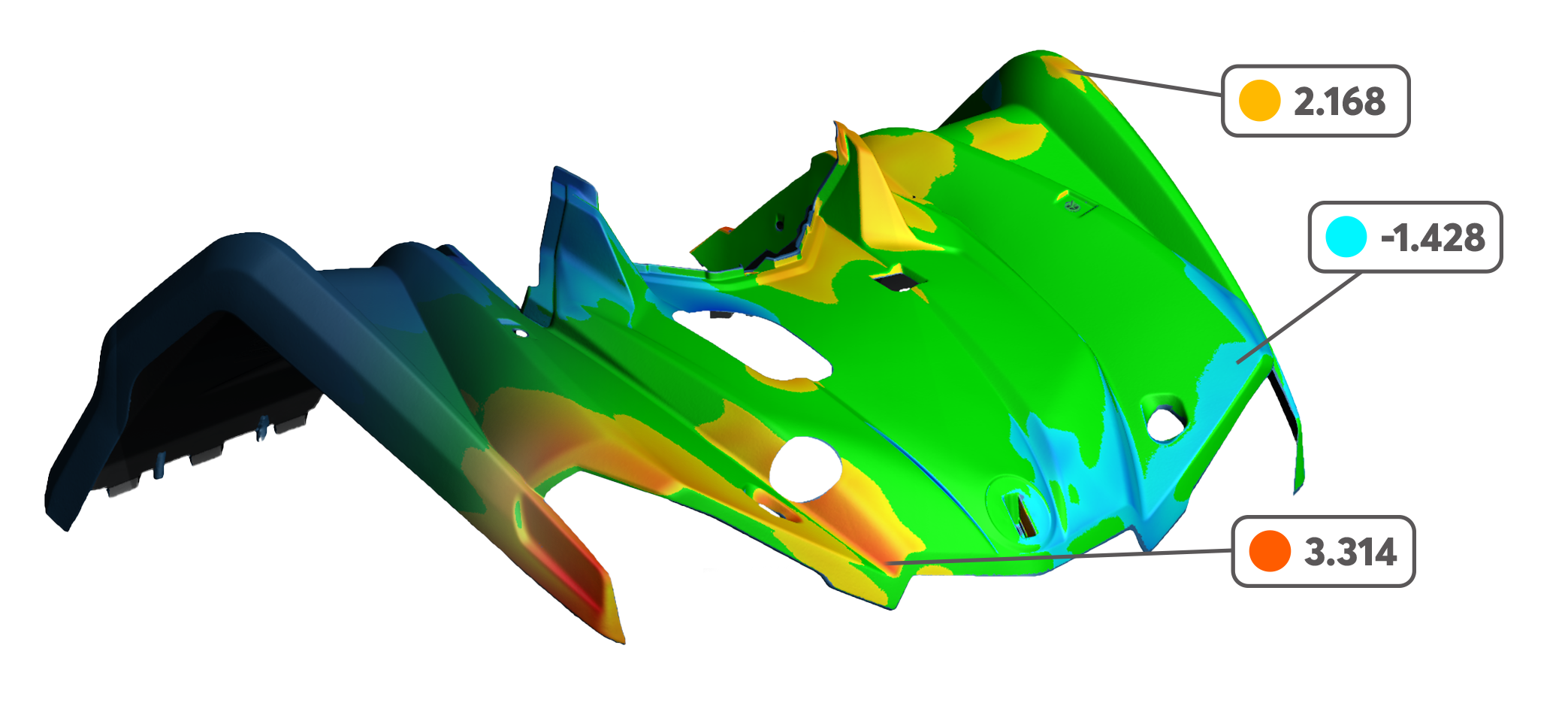
Compare measured geometry with CAD models, check dimensions and assess deviations using colour maps, cross-sections and geometric features. Create inspection reports to communicate findings and support decisions about part quality.
Previously known as VXinspect, Creaform Inspection supports workflows from prototype validation through to production quality control.
Key features
CAD Import and Comparison
Import CAD models in IGES or STEP format, or use a reference mesh, to compare measured parts against the intended geometry. Identify dimensional deviations and assess whether components meet design requirements.
Scanning, Probing and Photogrammetry
Combine 3D scanning, probing and photogrammetry within your inspection workflow. Capture surface data and individual measurement points using compatible Creaform systems, with the measurement methods available depending on your hardware and Inspection software version.
Dimensional Analysis
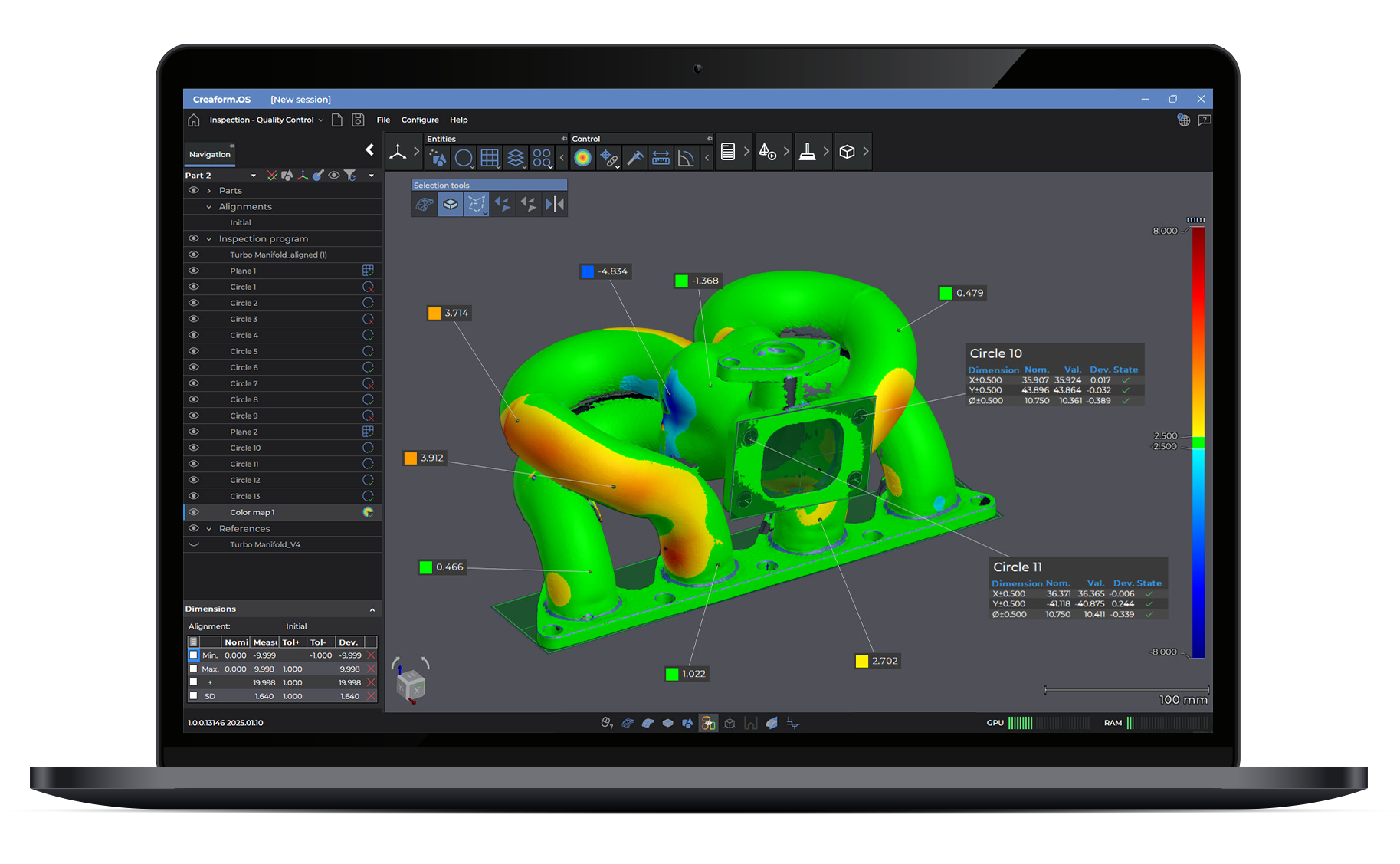
Analyse measured parts using colour maps, cross-sections and geometric features. Check dimensions and compare surfaces against CAD models or reference meshes to identify deviations and investigate manufacturing issues.
Part Alignment
Align measurement data with your CAD model or reference mesh before analysing deviations. Choose from best-fit, feature-based, datum and reference point system (RPS) alignment methods to suit the part and its inspection requirements.
Geometric Dimensioning and Tolerancing (GD&T)
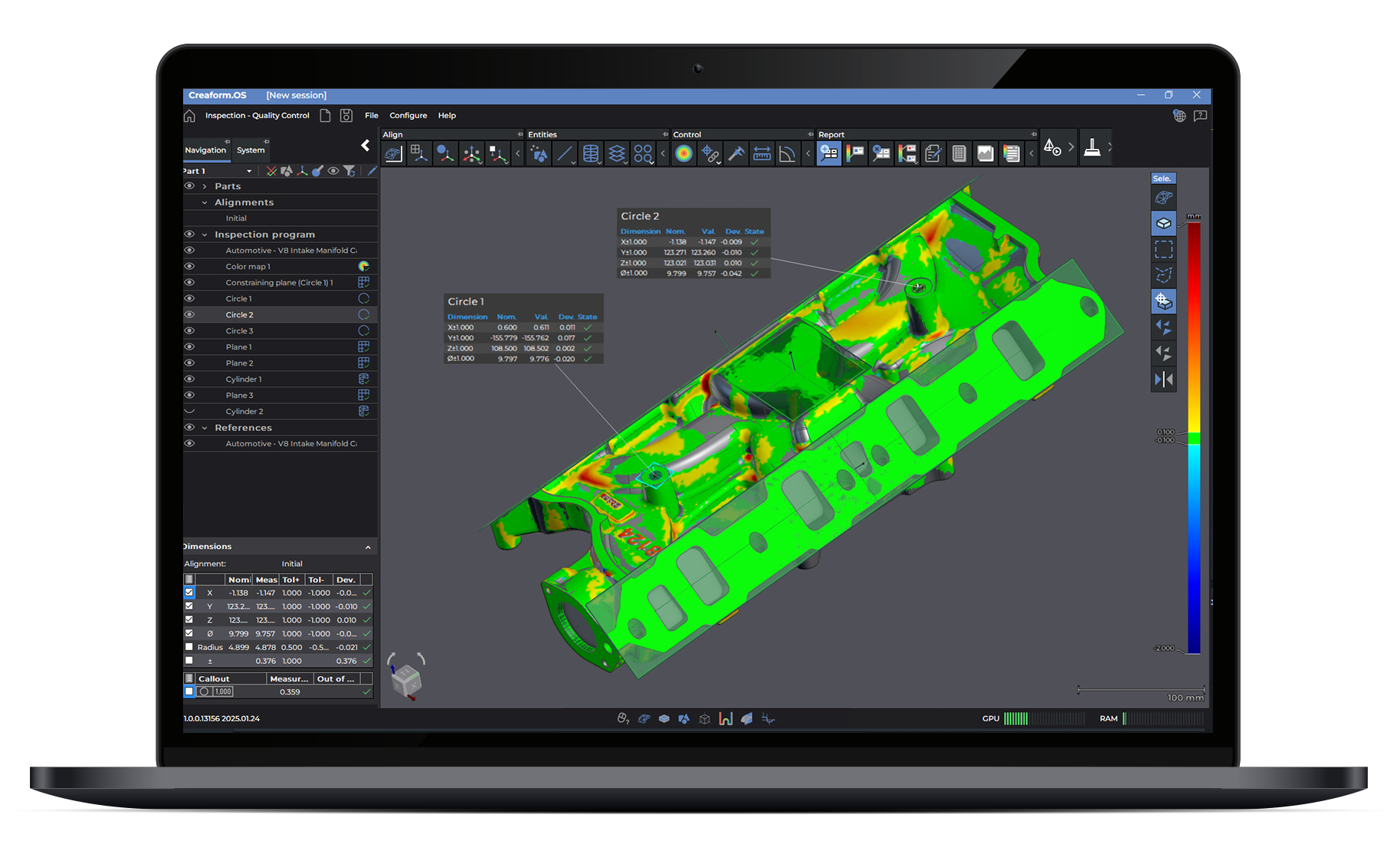
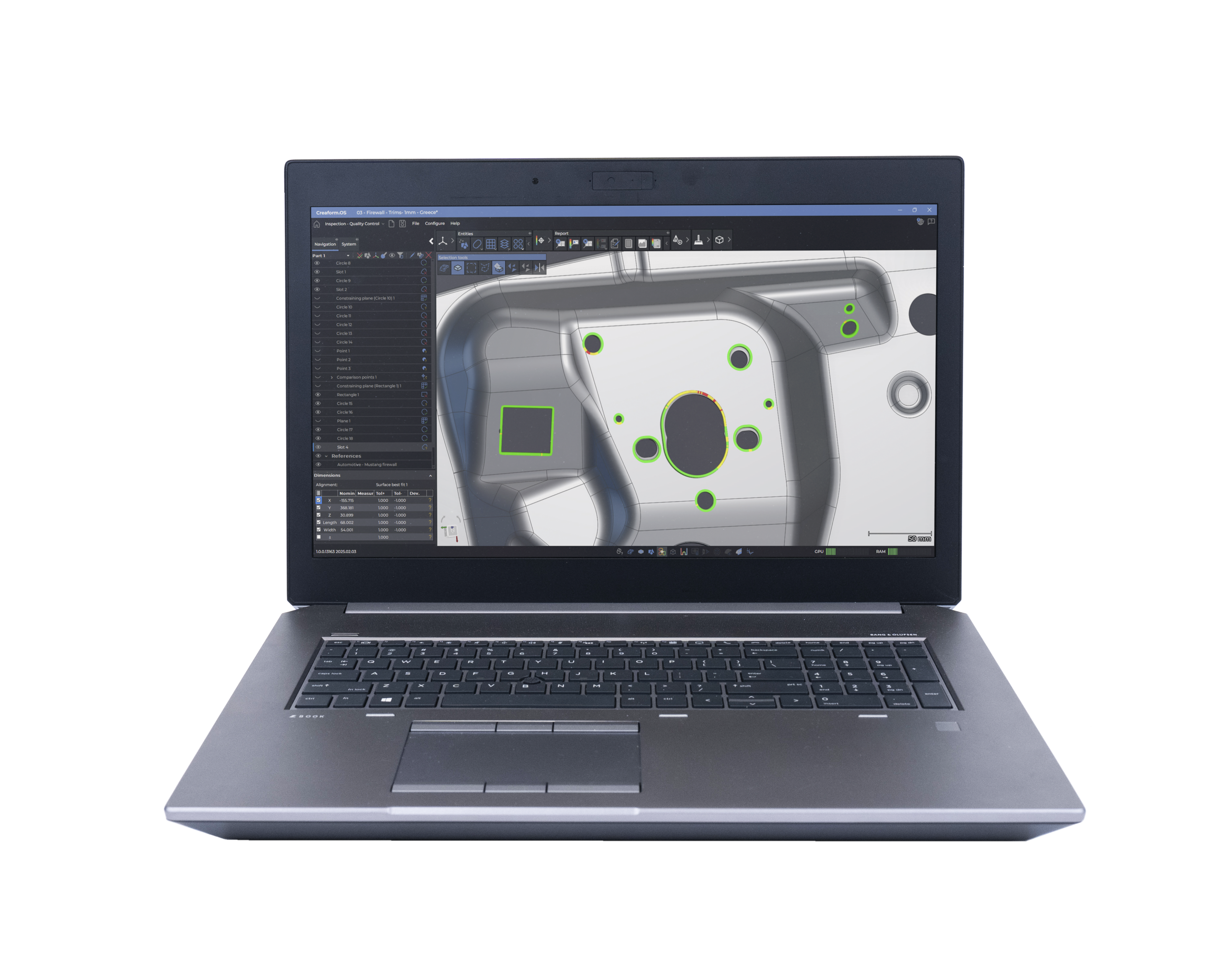
Check whether a part’s shape, orientation and feature positions meet the tolerances specified on its engineering drawing. The GD&T tools are included in the Quality Control version of Creaform Inspection and help determine whether manufactured parts meet these requirements.
Inspection Reporting
Create customisable inspection reports with measurement results, colour maps and annotated views. Export reports in PDF or share measurement data in Excel and CSV formats to communicate findings with colleagues, customers and suppliers.
Two software options
Choose the right Inspection software for your workflow
Inspection: Analysis
Analyse scanned parts against CAD models, investigate dimensional deviations and identify potential causes of manufacturing issues. Suited to design validation, product development and troubleshooting.
Inspection: Quality Control
Build inspection workflows for first article inspection and production quality control. Adds probing and photogrammetry measurements, GD&T and repeat inspections across multiple parts.
Connected measurement workflow
From data capture to inspection results
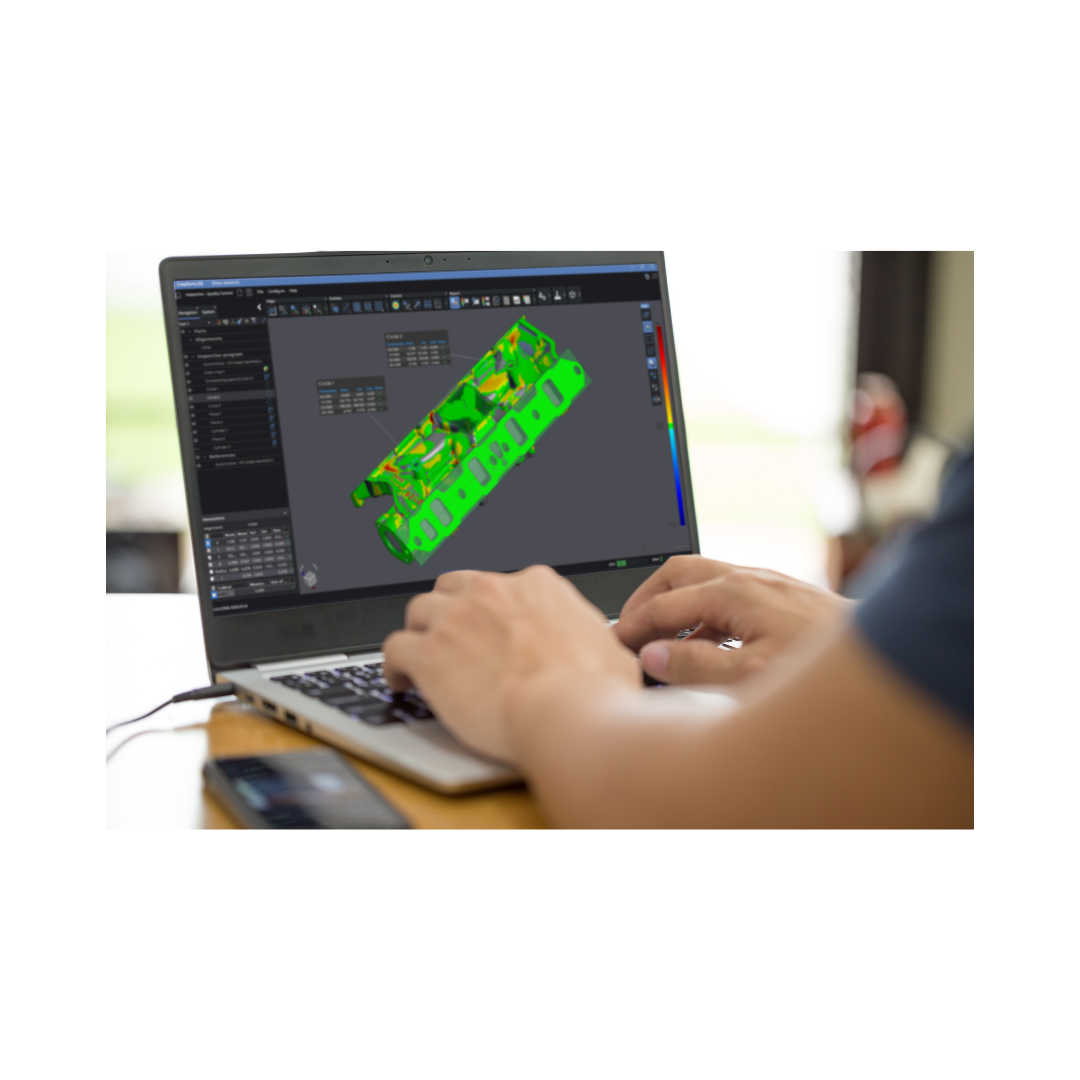
Capture measurement data with compatible Creaform systems, then use Creaform Inspection to align your data, analyse deviations and report results.
Creaform.OS supports data acquisition, while Inspection provides the dimensional analysis and reporting tools within Creaform Metrology Suite. Together, they connect measurement and inspection in one workflow.
Prototype and first article inspection
Validate parts before production
Compare prototypes and initial production parts against CAD models to identify dimensional deviations before moving into full production. Use the results to investigate issues and guide changes to designs, tooling or manufacturing processes.
For first article inspection, the Quality Control version provides GD&T tools and reporting to document whether parts meet specified requirements.
Production quality control
Repeat inspections across production parts
Use the Quality Control version of Creaform Inspection to apply an established inspection workflow to multiple parts. Automatically extract measurements from subsequent datasets and assess each component against the same requirements.
Create consistent reports to document results, identify recurring deviations and support investigations into manufacturing issues.
Talk to our team
See Creaform Inspection in action
Discuss your inspection requirements with MSL and find the right software for your workflow.