Skip to main content


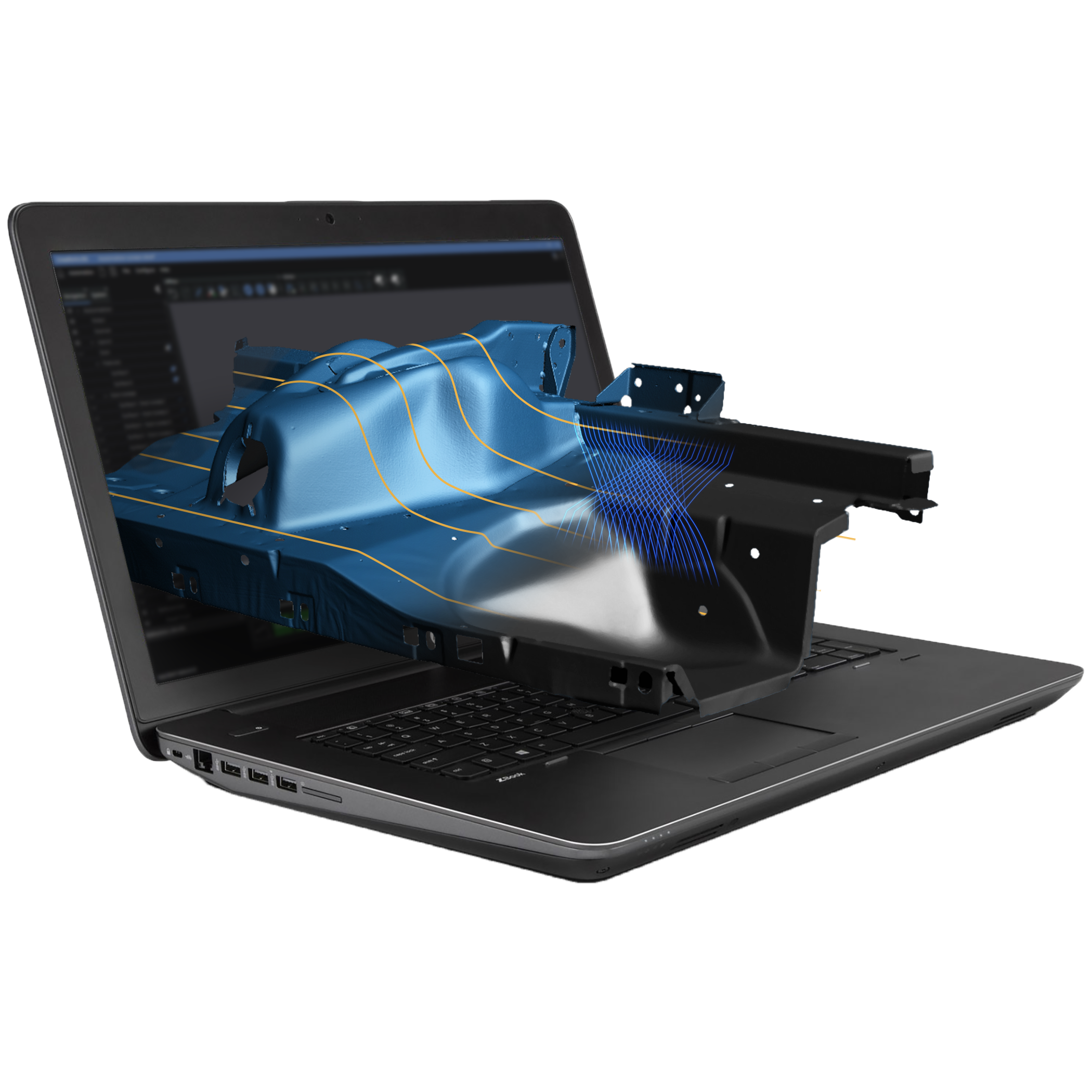

Offline Programming

Robot Path Planning

Scan Simulation

Collision Detection

CAD Import
Introduction
Plan, simulate and run automated 3D scanning
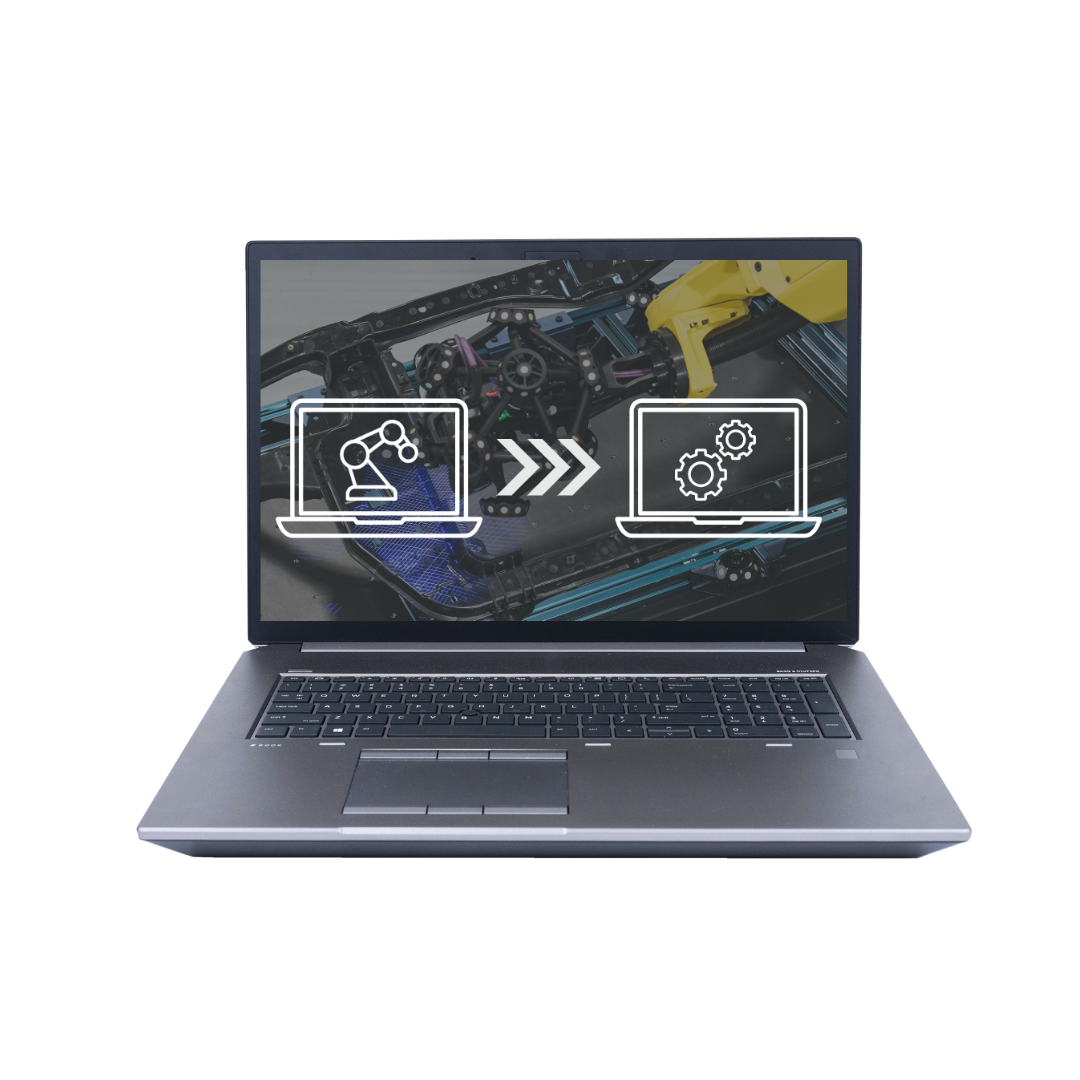
Part of the Creaform Metrology Suite, Automation provides a digital twin environment for preparing robot-based 3D scanning workflows. Import CAD models, configure scanning parameters and create robot paths before simulating and running your scanning program.
Previously known as VXscan-R, Creaform Automation helps simplify programming and supports repeatable data capture for automated quality control.
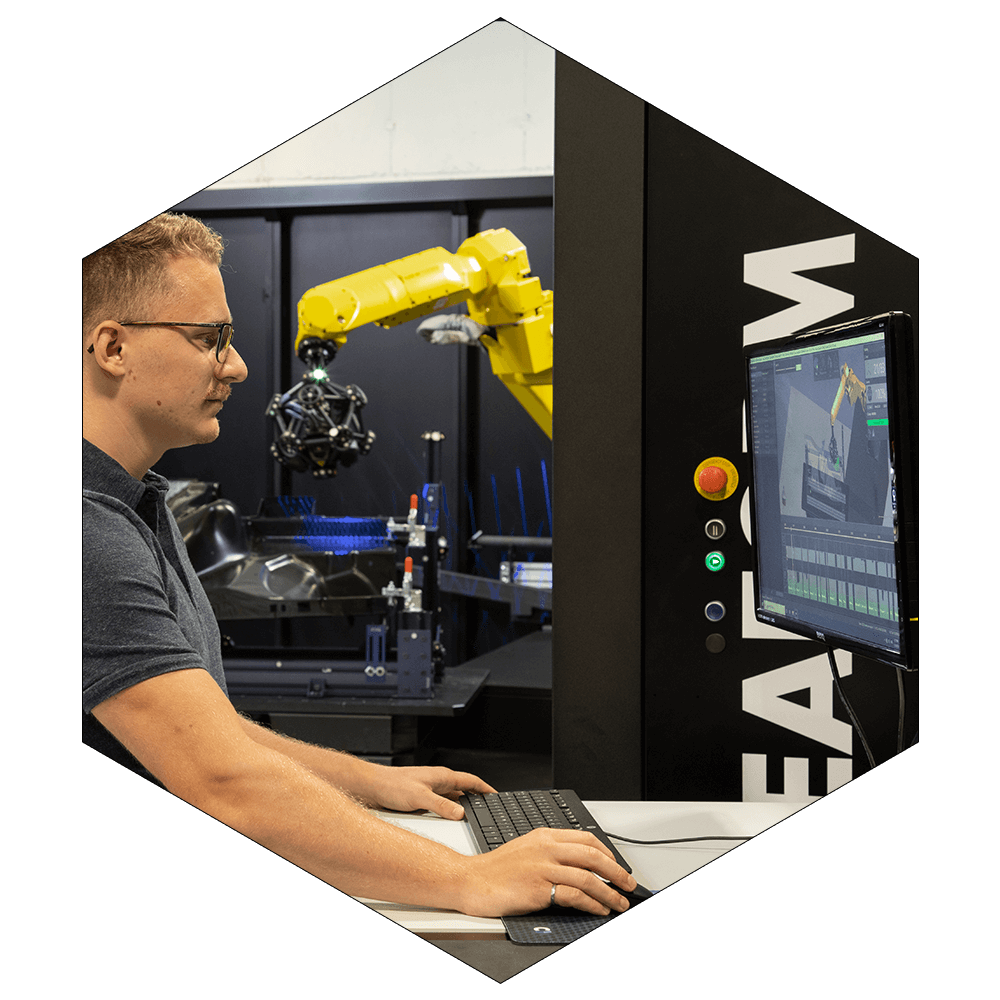
How Creaform Automation Works
Configure your robotic cell
Prepare projects for a compatible turnkey solution or a custom robotic cell. Import CAD models of the enclosure and turntable, define the C-Track position and calibration paths, and check the layout before deployment.
Program the robot
Generate scanning paths by selecting surfaces, edges or points on your CAD model. Create trajectories from an inspection plan or predefined 3D shape, or use manual jog controls to position the robot. Adjust sensor positions and scanning parameters to suit the measurement task.
Simulate and validate
Simulate the scanning sequence before running it on the physical cell. Check robot reachability, scanner line of sight and coverage, then refine movements to avoid collisions and problematic robot configurations known as singularities.
Measure
Run scanning programs with automatic photogrammetry and mesh generation. Smart Resolution adapts scan resolution to capture detailed geometry while managing data volume. Operators can pause and resume programs when needed.
Transfer to inspection software
Transfer measurement data to Creaform Inspection, PolyWorks or Metrolog X4 for dimensional analysis and reporting. Connect automated data capture with your chosen inspection workflow.
Three Software Modules
Creaform Automation brings together three modules: Plan for program preparation and simulation, Execute for running measurement programs, and Process for processing and inspecting captured data while scanning continues.
Captured measurement data can then be transferred to compatible inspection software for dimensional analysis and reporting.
Program preparation and simulation
Creaform Automation Plan
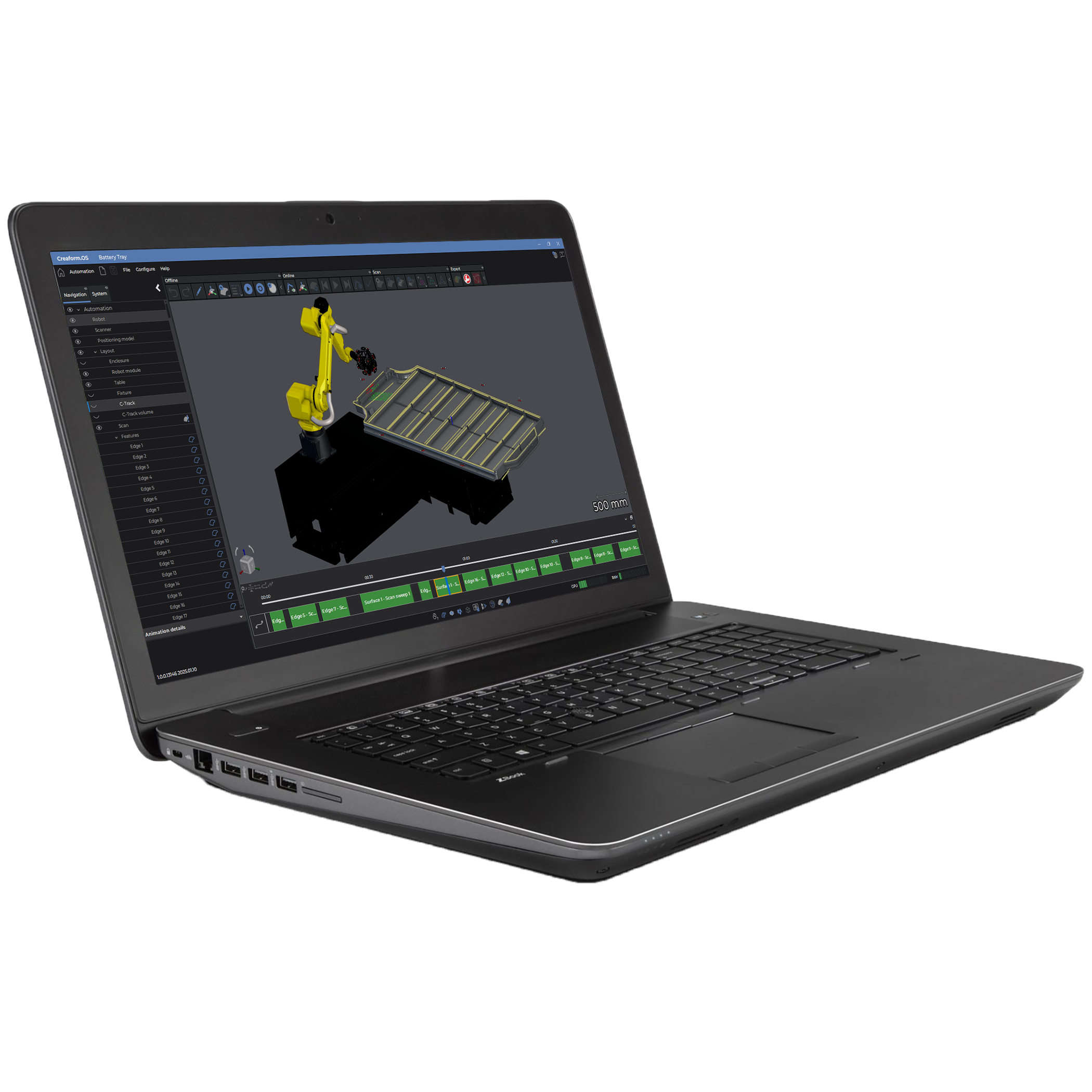
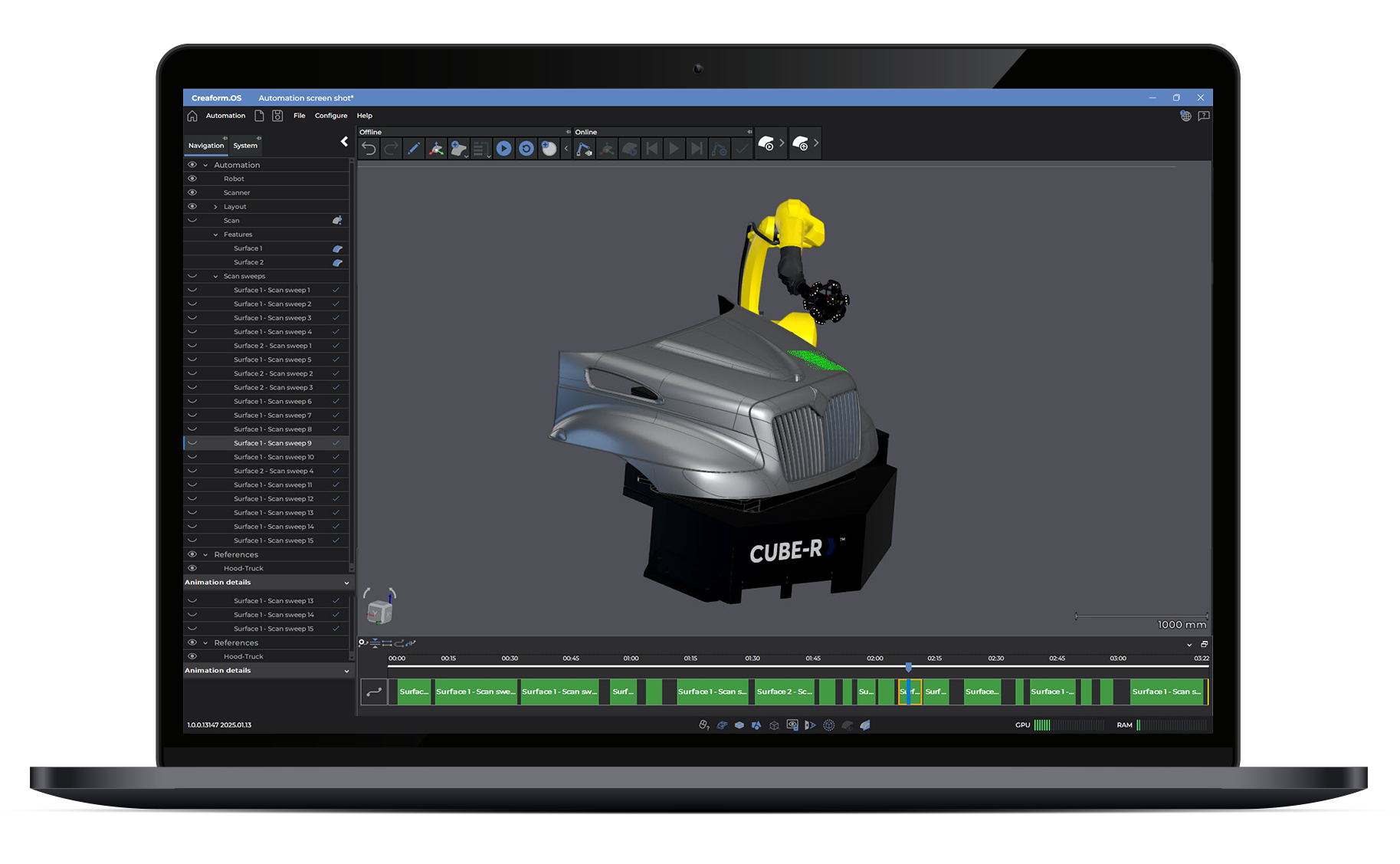
Prepare scanning projects in a digital twin of your robotic cell. Import CAD models of the part and cell equipment, configure scanning parameters, including speed, shutter time and resolution, and define scanner positions.
Automatically generate robot paths from selected CAD surfaces, edges or points, an inspection plan or a predefined 3D shape. Use manual jog controls where required to adjust robot positioning.
Simulate and validate the program to check reachability, scanning coverage, line of sight, potential collisions and robot positions that could cause movement problems before running it on the physical cell. Export simulated scan data to your inspection software to help prepare the inspection workflow.
Shop-floor operation
Creaform Automation Execute
Guide shop-floor operators through prepared measurement programs using a simplified interface. Enter part information, start the scanning sequence and change parts once the robot has returned to its home position.
The measurement workflow supports automatic photogrammetry, 3D scanning and automatic mesh generation. Smart Resolution helps capture fine details while managing scan data, and programs can be paused and resumed when needed.
Parallel data processing
Creaform Automation Process
Keep scanning while previously captured data is processed and inspected. Automation Process enables these tasks to run in parallel, reducing the time the robotic cell spends waiting for results before starting its next scan.
This helps maintain throughput when measuring multiple production parts.
Inspection Software Compatibility
Connect scanning to dimensional inspection
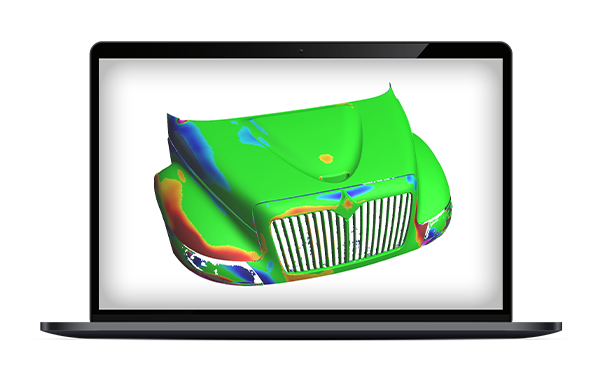
Transfer captured measurement data to Creaform Inspection, PolyWorks or Metrolog X4 for dimensional analysis and reporting. This lets you use automated scanning alongside your preferred inspection software and established quality control procedures.
Talk to our Team
See Creaform Automation in action
Discuss your automated scanning requirements with MSL and find the right software and robotic setup for your application.