Skip to main content

3D Measurement Software for Design and Inspection
Turn measurement data into usable CAD geometry, inspect component quality, programme automated scanning and track movement. Creaform Metrology Suite brings together four dedicated application modules, helping you select the tools suited to your engineering workflow.
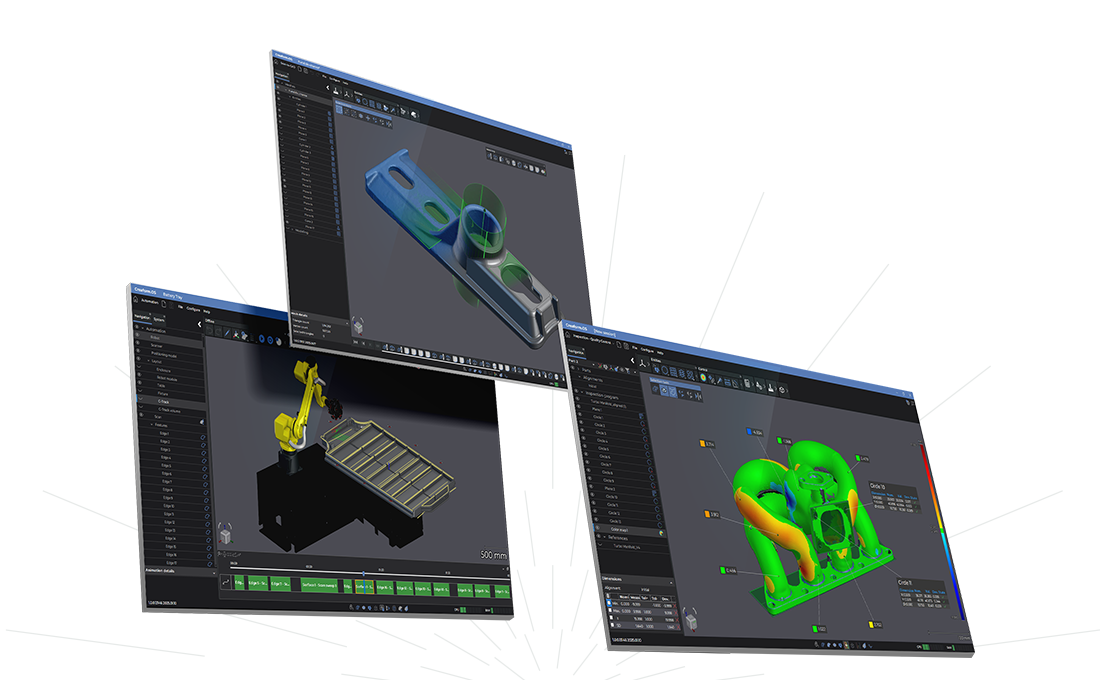

Prepare data for design
Clean and optimise 3D scan data, extract geometry and prepare it for reverse engineering, CAD modelling or additive manufacturing.

Inspect component quality
Compare measured geometry against design requirements, assess dimensional deviations and produce reports to support quality decisions.

Support repeatable workflows
Use dedicated tools for automated scanning and dynamic tracking to support production inspection, assembly monitoring and movement measurement.
Creaform Metrology Software
Choose the software for your measurement application
Engineering teams use measurement data for different purposes, from recreating an existing component in CAD to checking production parts against design requirements.
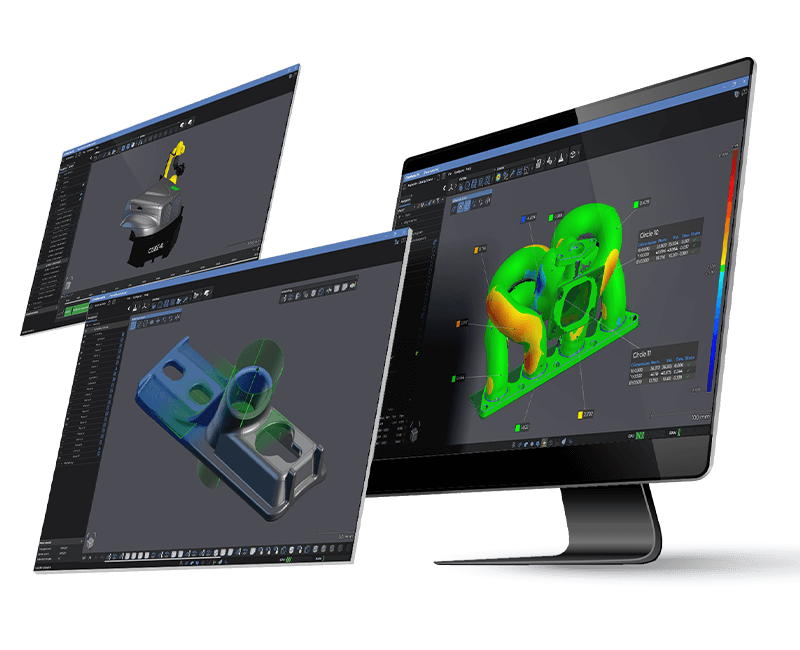
Creaform Metrology Suite provides dedicated modules for Scan-to-CAD, Inspection, Automation and Dynamic Tracking. Each addresses a different task, allowing you to build a workflow around your equipment, application and reporting needs.
MSL can help you select the appropriate modules and demonstrate how they fit into your existing processes.
How Creaform.OS and Metrology Suite work together
Creaform.OS, where your measurement workflow begins
Creaform.OS provides the measurement acquisition tools used with Creaform equipment, including scanning, probing and photogrammetry.
Alongside it, Creaform Metrology Suite provides dedicated applications for Scan-to-CAD, Inspection, Automation and Dynamic Tracking. Together, they connect measurement equipment with the software tools needed for your engineering application.
Four applications within Creaform Metrology Suite
Scan-to-CAD
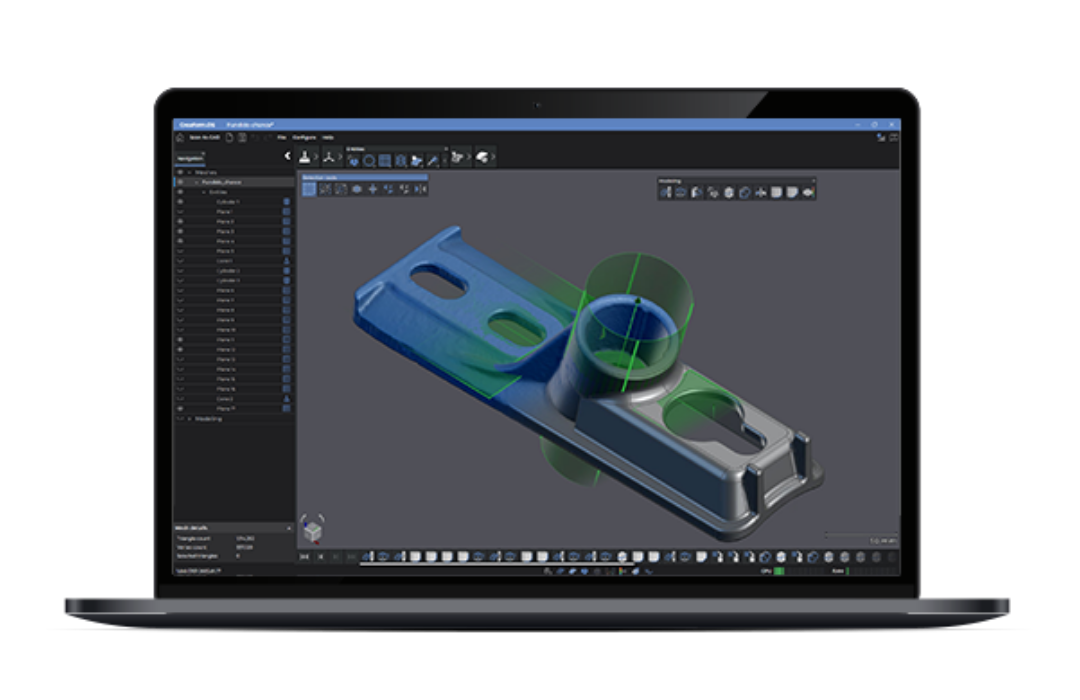
Prepare 3D scan data for design, reverse engineering and additive manufacturing. Clean and optimise meshes, extract geometric features and transfer data into your CAD software.
Scan-to-CAD Pro adds 2D sketching and 3D modelling tools.
Inspection
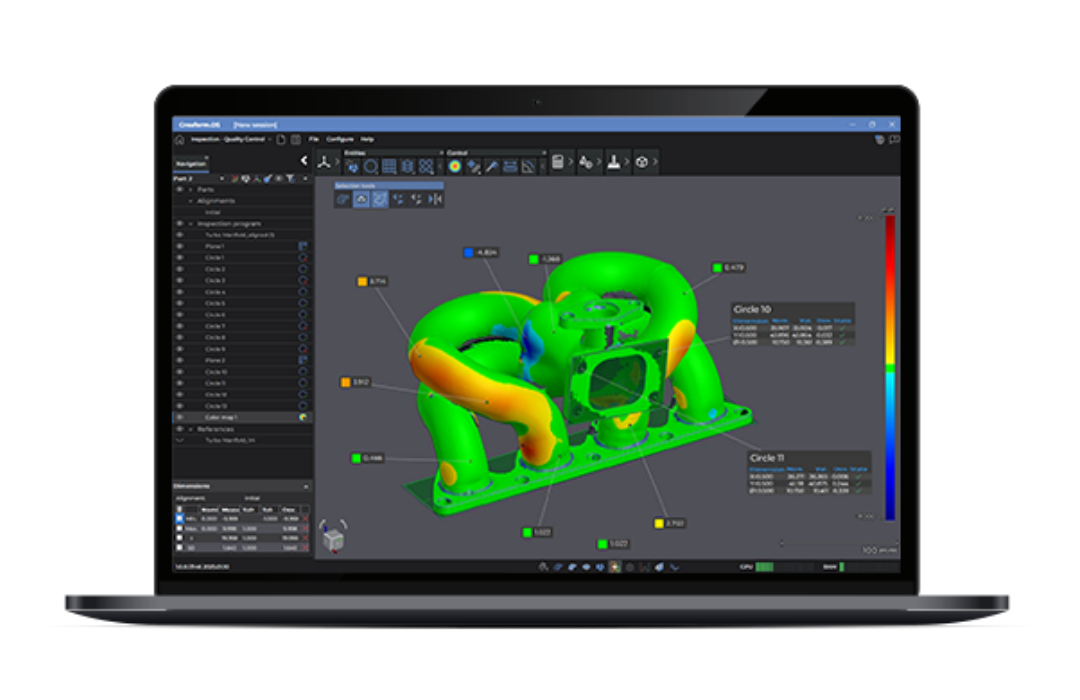
Check component dimensions and compare measured surfaces against CAD models. Analyse deviations, assess geometric tolerances and generate inspection reports to support part approval and production quality control.
Available in Analysis and Quality Control versions to suit different inspection requirements.
Automation
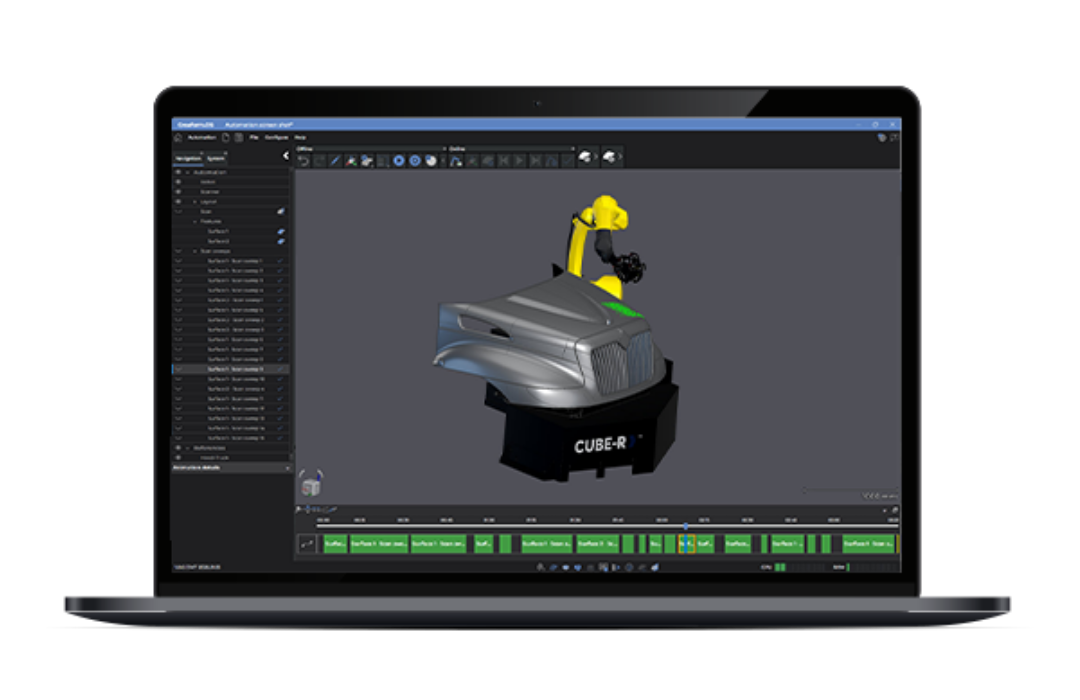
Programme robotic scanning sequences within a digital twin environment. Plan robot paths, optimise scanner positioning and manage automated measurement routines for repeatable production inspection.
Dynamic Tracking
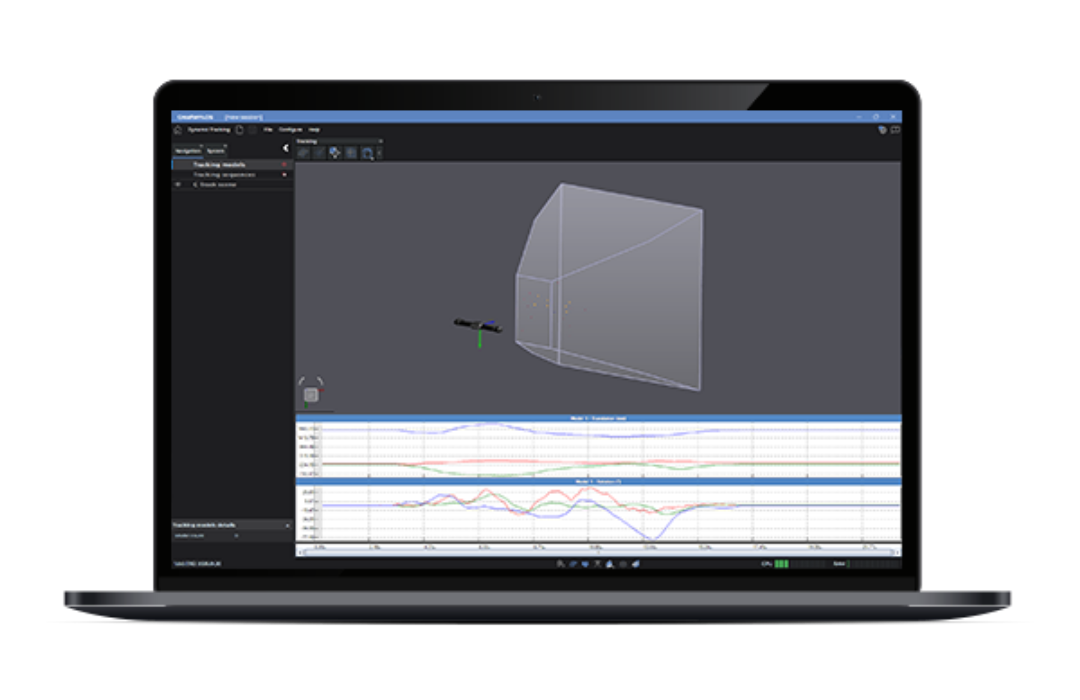
Measure the position and orientation of multiple objects over time. Track movement and deformation, monitor assembly operations and support robot calibration using Creaform’s optical tracking technology.
Which application software is right for you?
Choose your starting point based on what you need to achieve with your measurement data.
Scan-to-CAD – Product development and reverse engineering
Choose Scan-to-CAD to prepare scanned components for CAD work, develop designs from existing parts or optimise meshes for 3D printing.
Explore Scan-to-CAD
Inspection – Dimensional assessment and quality control
Choose Inspection to compare measured parts against CAD models, investigate dimensional deviations and document results in inspection reports, or choose the Quality Control version when you also need GD&T and repeat inspection workflows.
Explore Inspection
Automation – Robotic scanning and automated measurement
Choose Automation to programme scanning paths in a digital twin environment and manage repeatable measurement routines within a robotic inspection cell.
Explore Automation
Dynamic Tracking – Movement measurement and assembly monitoring
Choose Dynamic Tracking to measure the position and orientation of multiple objects over time, monitor assembly operations or support deformation measurement and robot calibration.
Explore Dynamic Tracking
Maximise your device performance and get the most out of your metrology software
Get in touch with one of our experts to determine the application modules that best suit your needs.